

Best Free Text Analytics Tools & Software in 2026

Table of Contents
In today’s data-driven economy, text analytics and natural language insights are no longer back-office tasks—they are mission-critical capabilities. For strategy consultants, public institutions, and global enterprises, every decision relies on the ability to extract meaning from unstructured text at scale.
As we move into 2026, organizations across industries—from management consulting and government agencies to financial services and life sciences—are rethinking how they handle customer feedback, survey responses, and document analysis. By adopting modern free text analytics tools and software, they reduce manual workloads, improve insights, and empower teams to focus on strategic decisions rather than data wrangling.
This article explores the 10 best free text analytics tools and software solutions that unlock insights, safeguard compliance, and scale across industries. Each platform is designed to help organizations extract themes, analyze sentiment, visualize patterns, and maximize return on their data investments—without breaking the budget.

What is Text Analytics Software?
Text analytics software transforms unstructured text—from customer reviews, survey responses, social media posts, and documents—into structured insights through natural language processing (NLP). Modern platforms combine sentiment analysis, entity extraction, topic modeling, text classification, visualization, and machine learning—reducing manual coding time and uncovering patterns across consulting, public sector, energy, industrials, retail, TMT, finance, and life sciences.
Extract Themes Automatically
Use NLP and topic modeling to surface recurring concepts, pain points, and opportunities from customer feedback.
Analyze Sentiment at Scale
Gauge positive, negative, and neutral sentiment across thousands of responses to prioritize action areas.
Visualize Insights Instantly
Generate word clouds, frequency charts, and network graphs to communicate findings to stakeholders.
Scale & Integrate
Connect APIs, survey platforms, and data warehouses to standardize text analytics across functions.
Top 10 Free Text Analytics Tools & Software in 2026
1. Voyant Tools
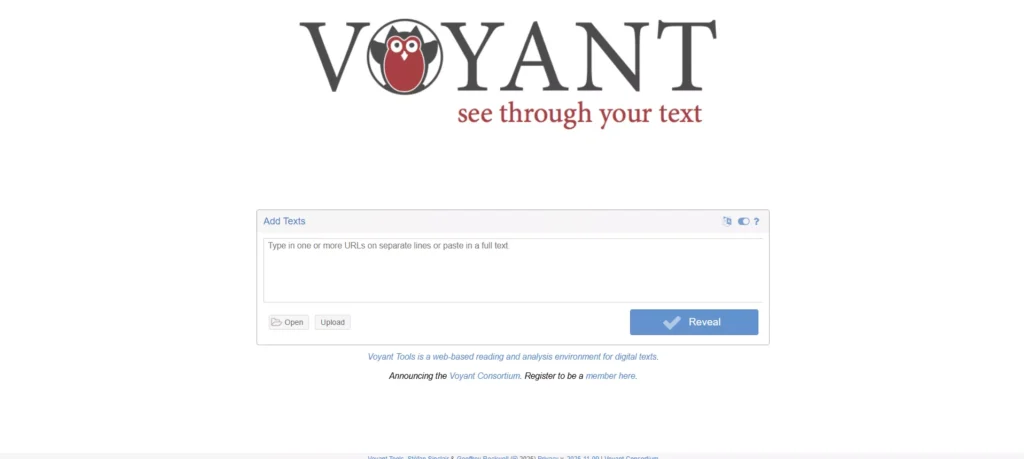
Voyant Tools is a web-based, open-source text analysis platform that provides word frequency, trends, and interactive visualizations without requiring installation. It’s popular among researchers, educators, and consultants for exploratory text analysis of documents, transcripts, and survey responses. The platform features a multi-panel interface with Cirrus word clouds, Trends line graphs, Summary overviews, and Keywords-in-Context displays—making it ideal for digital humanities and initial corpus exploration.
Pros:
- No installation required—web-based and accessible
- Interactive visualizations including word clouds and frequency graphs
- Supports multiple document formats (TXT, PDF, HTML, XML, RTF, MS Word)
- Shareable and embeddable URLs for collaborative analysis
Cons:
- Limited advanced NLP features compared to commercial tools
- Best for smaller datasets and exploratory analysis
- No built-in sentiment analysis or entity recognition
Pricing:
Completely free.
2. Google Cloud Natural Language API
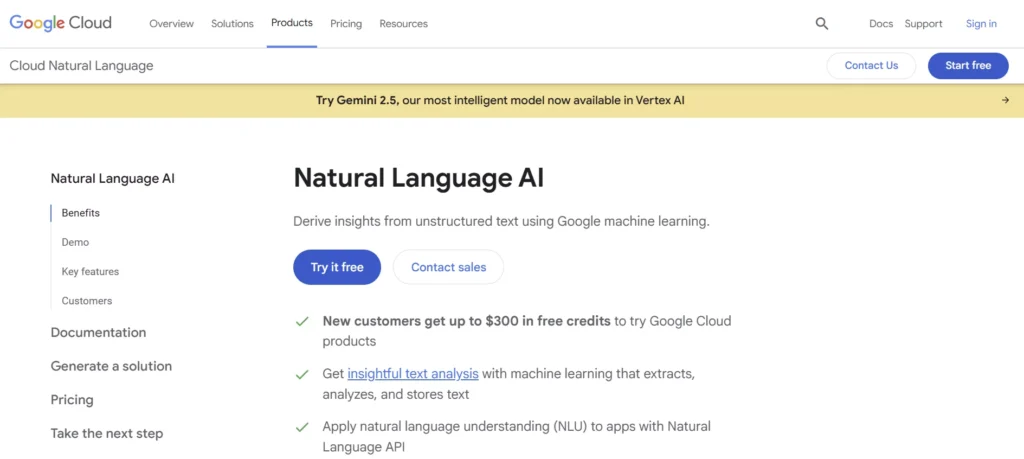
Google Cloud Natural Language API delivers enterprise-grade sentiment analysis, entity recognition, syntax parsing, and content classification. The generous free tier makes it accessible for prototyping and small-scale projects in consulting, public sector, and financial services. It integrates seamlessly with Google Cloud Storage, BigQuery, Speech-to-Text, and Translation APIs—enabling end-to-end workflows from audio transcription to multi-language text analysis.
Pros:
- Pre-trained models for sentiment, entities, and syntax
- Integrates with Google Cloud Storage and BigQuery
- Speech-to-Text and Translation API compatibility
- Supports multiple languages and content classification
Cons:
- Requires technical expertise to set up and integrate
- Free tier has usage limits (5,000 text records/month)
- Costs scale with volume beyond free tier
Pricing:
Free tier with 5,000 text records/month; pay-as-you-go beyond.
3. Insight7
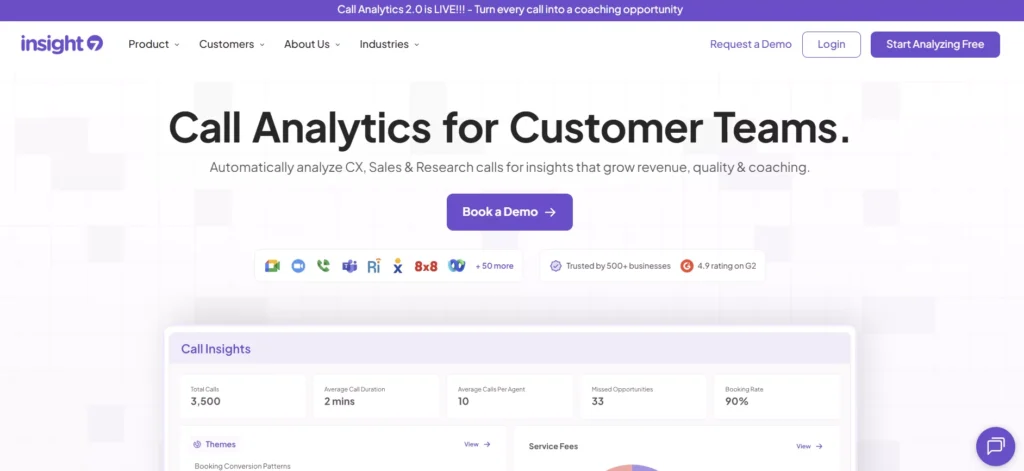
Insight7 is a qualitative research platform designed for teams analyzing interviews, focus groups, and customer feedback. It automates transcription (97-99% accuracy), thematic analysis, and reporting—making it ideal for consulting teams and market researchers working with qualitative data at scale. The platform supports multi-project analysis, aggregated insights, and customizable reports while maintaining data privacy compliance for sensitive projects.
Pros:
- Automated transcription and theme extraction
- Multi-project analysis and aggregated insights
- Customizable reports and data privacy compliance
- High transcription accuracy (97-99%)
Cons:
- Free trial limited; full features require subscription
- Primarily focused on interview/focus group workflows
- May be overkill for simple text analysis tasks
Pricing:
Free trial available; paid plans for full features.
4. KNIME Analytics Platform
KNIME is an open-source data analytics platform with powerful text mining capabilities. It provides drag-and-drop workflows for preprocessing, sentiment analysis, topic modeling, named entity recognition, and machine learning integration—suitable for researchers and data analysts in energy, retail, and industrials. The platform includes specialized nodes for text cleaning, stop word removal, POS tagging, word embedding (Word2Vec), and advanced visualization tools for comprehensive text processing pipelines.
Pros:
- Visual workflow builder—no coding required
- Extensive text processing and ML nodes
- Integration with R, Python, and databases
- Tika Parser for handling diverse file formats (PDF, Office, multimedia)
Cons:
- Learning curve for complex workflows
- Resource-intensive for very large datasets
- Interface can feel overwhelming for beginners
Pricing:
Free and open source.
5. RapidMiner
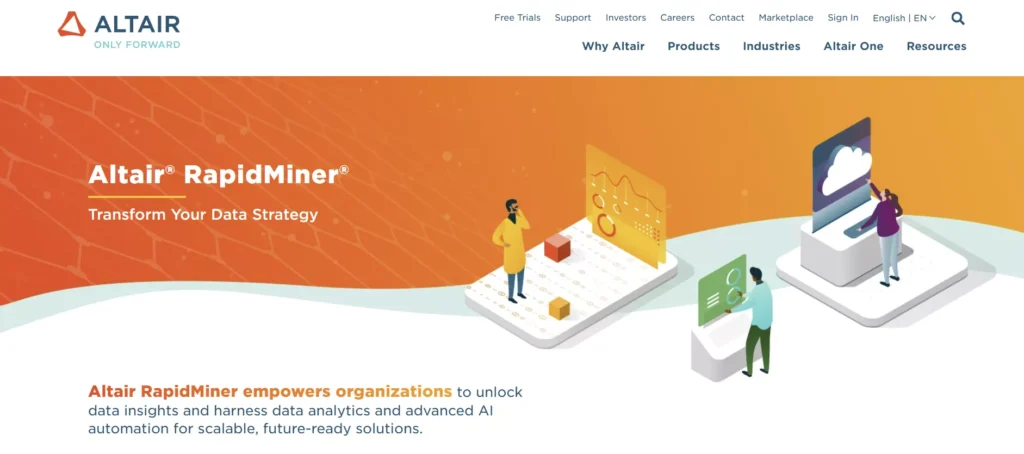
RapidMiner is a data science platform offering text mining extensions for sentiment analysis, entity extraction, and document classification. The free version is suitable for small-scale projects in TMT, finance, and consulting. It combines comprehensive text mining and machine learning algorithms with data preparation and visualization tools, supporting integration with multiple data sources including databases, APIs, and file formats.
Pros:
- Comprehensive text mining and machine learning algorithms
- Data preparation and visualization tools
- Integrates with multiple data sources
- User-friendly visual interface
Cons:
- Free version has row limits (10,000 rows)
- Advanced features require paid licenses
- Performance limitations on free tier
Pricing:
Free version with limitations; commercial licenses available.
6. QualCoder
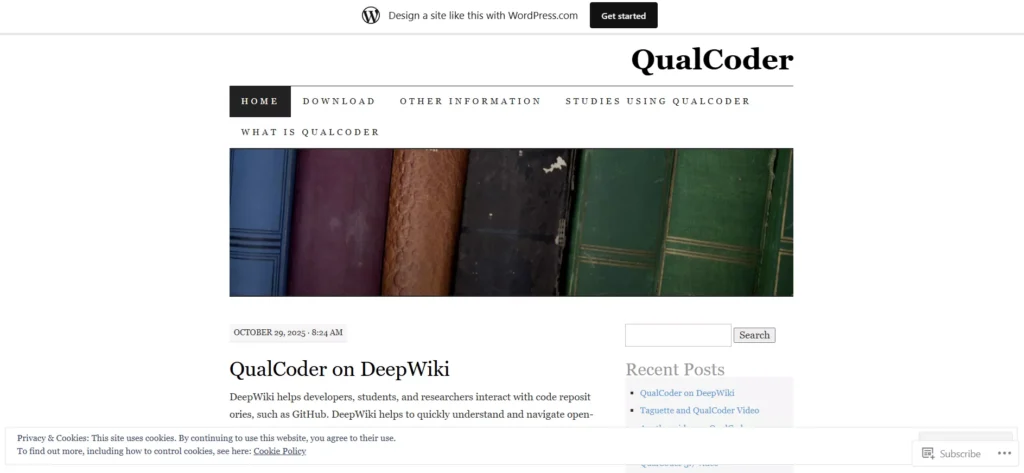
QualCoder is a free, open-source qualitative data analysis tool designed for researchers and students. It offers coding, tagging, and thematic analysis of text, audio, video, and image data—ideal for academic research, public sector studies, and life sciences. Files can be typed manually or loaded from txt, odt, docx, html, htm, md, epub, and PDF formats. The software supports hierarchical code organization, visual coding graphs, coder comparisons, and AI integration with GPT-4 for exploratory analysis.
Pros:
- User-friendly interface for qualitative coding
- Supports text, audio, video, and image data
- Export options in CSV and HTML formats
- AI integration for data exploration (GPT-4)
Cons:
- Limited automated NLP features
- Manual coding required for most tasks
- Primarily designed for qualitative research workflows
Pricing:
Completely free and open source.
7. Textable
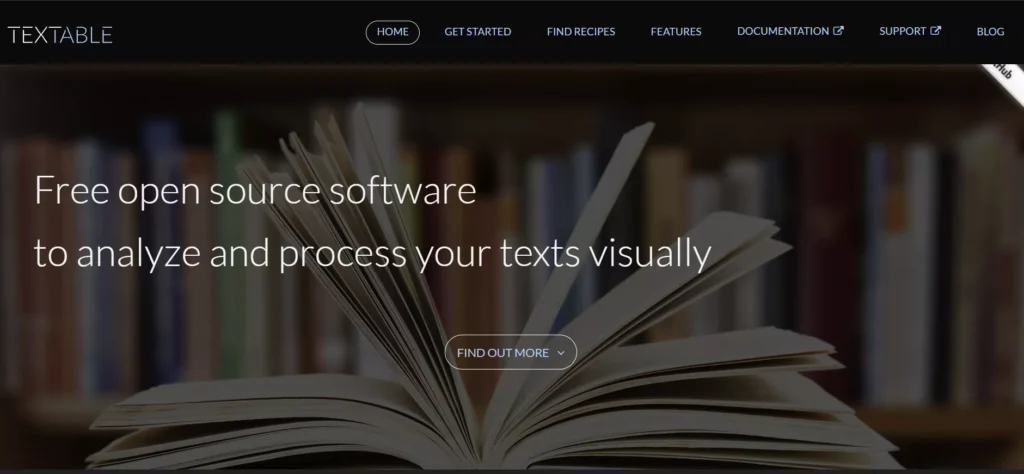
Textable is an open-source text mining tool focused on visualization and flexible text segmentation. It supports filtering, random sampling, clustering, and linguistic complexity analysis—suitable for smaller datasets in education, consulting, and retail. The visual interface provides built-in text mining operations while remaining extendable with Python scripting for advanced users. It supports practically any text format and encoding, making it versatile for diverse text sources.
Pros:
- Visual interface with built-in text mining operations
- Flexible and extendable with Python scripting
- Supports practically any text format and encoding
- Good for linguistic complexity analysis
Cons:
- Limited to smaller datasets
- Requires some technical knowledge for advanced features
- Less intuitive for non-technical users
Pricing:
Free and open source.
8. MonkeyLearn
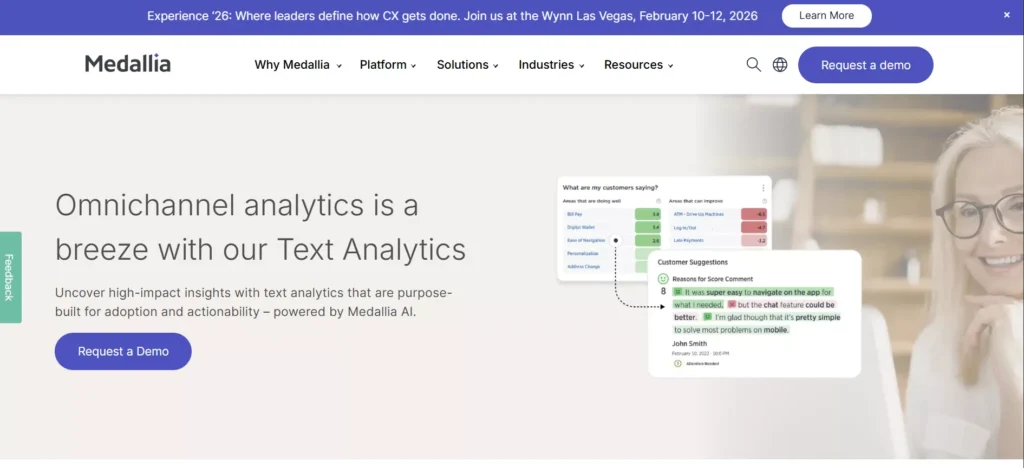
MonkeyLearn is a user-friendly no-code text analysis platform that allows users to create custom classifiers and extractors. It’s popular among marketers, product teams, and consultants for sentiment analysis, keyword extraction, and topic classification. The platform offers pre-built models for common use cases and integrates with Zapier, Excel, Google Sheets, and other business tools—enabling automated text analysis workflows without programming expertise.
Pros:
- Easy-to-use interface for building custom models
- Pre-built models for sentiment and topic extraction
- Integrates with Zapier, Excel, and other tools
- No coding required for basic workflows
Cons:
- Free plan limited to 300 queries/month
- Advanced features require paid plans
- Limited customization on free tier
Pricing:
Free plan available; paid plans for higher volumes.
9. ChatGPT
ChatGPT offers conversational AI capabilities for basic text analysis, including sentiment detection, summarization, entity recognition, and thematic coding. It’s accessible for small-scale projects and exploratory analysis across all industries. The conversational interface makes it approachable for non-technical users, and it can assist with qualitative coding, open-ended response analysis, and rapid insight generation from text data.
Pros:
- Free and easy to use—no technical setup
- Conversational interface for quick analysis
- Good for small datasets and rapid insights
- Accessible to non-technical users
Cons:
- Not designed for large-scale or batch processing
- Lacks advanced analytics and visualization
- No structured workflows or coding frameworks
Pricing:
Free tier; ChatGPT Plus available for enhanced features.
10. QDA Miner Lite
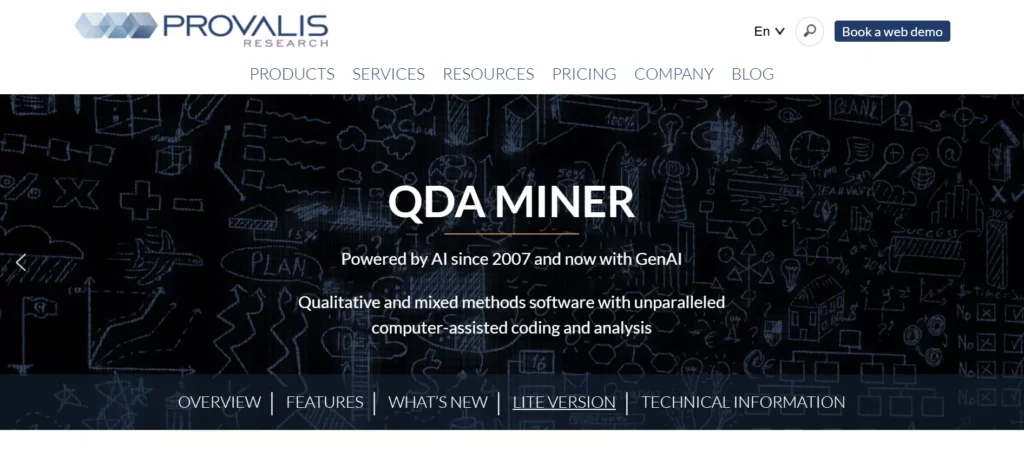
QDA Miner Lite is a free version of the popular QDA Miner software, designed for qualitative data analysis of interviews, surveys, and open-ended responses. It offers coding, memoing, and export capabilities—ideal for students, researchers, and public sector analysts. The intuitive interface supports text, PDF, and survey data with the ability to export analysis results in multiple formats for reporting and further analysis.
Pros:
- Intuitive interface for qualitative coding
- Supports text, PDF, and survey data
- Export analysis results in multiple formats
- Good for students and small research projects
Cons:
- Limited to smaller projects (restricted features)
- Full version required for advanced analysis
- No automated NLP or machine learning features
Pricing:
Completely free.
How to Choose the Best Free Text Analytics Software
Use Case & Industry Fit
Match tools to your primary workflows: customer feedback (retail/TMT), survey analysis (consulting/public sector), clinical notes (life sciences), or compliance documents (FSI). Favor platforms with proven templates for those use cases.
Data Volume & Format
Assess your dataset size: small projects work well with Voyant or ChatGPT; large-scale needs favor Google NLP or KNIME. Verify support for your formats (PDFs, CSVs, transcripts, APIs).
Automation & NLP Depth
Look for sentiment analysis, entity extraction, topic modeling, and thematic coding. Prebuilt models reduce time-to-insight for surveys, reviews, and social media data.
Visualization & Reporting
Prioritize tools with word clouds, frequency charts, network graphs, and export options. Visual outputs improve stakeholder communication and decision-making speed.
Ease of Use & Learning Curve
Choose web-based, no-code tools (Voyant, MonkeyLearn, ChatGPT) for rapid adoption. Open-source platforms (KNIME, QualCoder) suit teams with technical resources.
Integration & Scalability
Check API support for survey platforms (Qualtrics, SurveyMonkey), CRMs, and data warehouses. Ensure the tool can scale as your data volume grows.
Frequently Asked Questions (FAQ)
What is text analytics software?
Text analytics software uses natural language processing (NLP) to extract insights from unstructured text data—such as customer reviews, survey responses, social media posts, and documents. It performs sentiment analysis, entity extraction, topic modeling, and thematic coding to transform raw text into actionable intelligence.
Who benefits most from free text analytics tools?
Consulting teams (client feedback analysis), public sector agencies (citizen surveys), financial services (compliance documents), retail (customer reviews), TMT (social listening), life sciences (clinical notes), and academic researchers all benefit from free text analytics tools for exploratory analysis and small-to-medium scale projects.
Can free text analytics tools handle large datasets?
Some free tools—like Google Cloud Natural Language API (free tier) and KNIME—support larger datasets, but others (Voyant, ChatGPT) work best with smaller volumes. For enterprise-scale needs, consider commercial solutions or paid tiers of freemium platforms.
What’s the difference between sentiment analysis and topic modeling?
Sentiment analysis gauges the emotional tone (positive, negative, neutral) of text. Topic modeling identifies recurring themes or subjects across a corpus of documents. Both are complementary: sentiment tells you how people feel, while topics reveal what they’re discussing.
Are free text analytics tools compliant with data privacy regulations?
It depends. Open-source tools (KNIME, QualCoder, Textable) run locally, giving full control over data. Cloud-based APIs (Google, MonkeyLearn) require careful review of data handling policies. For sensitive data (healthcare, finance, government), prioritize tools with GDPR/HIPAA compliance or on-premise deployment.
How do I measure ROI from text analytics?
Track metrics like time saved on manual coding, speed to insights, quality of thematic discoveries, and actionability of findings. Compare baseline manual analysis cycles against automated workflows. For customer feedback, measure improvement in satisfaction scores or issue resolution times driven by text analytics insights.
Final Thoughts
Text analytics is no longer a specialized research function—it’s a strategic lever for understanding customers, improving services, and accelerating insights. By pairing sentiment analysis, topic modeling, and visualization, organizations reduce manual effort, uncover hidden patterns, and drive data-informed decisions across functions.
For exploratory projects and small teams, web-based tools (Voyant, ChatGPT, MonkeyLearn) deliver fast time-to-value. For academic research and structured coding, open-source platforms (QualCoder, KNIME, Textable) provide flexibility and control. For enterprise prototyping, cloud APIs (Google Natural Language) balance power and accessibility.
Choose a solution aligned with your data volume, technical resources, use case, and privacy requirements—and validate impact through a focused pilot. With a rigorous approach, free text analytics tools become a strategic multiplier for efficiency, insight quality, and stakeholder engagement.
