

Best AI Design Tools in 2026: 10 Platforms for Business Teams Compared

Table of Contents
Most lists of AI design tools are written for designers. Most of the people who now design at work are not designers. They are marketers building campaign assets, consultants building client decks, analysts turning findings into charts, and communications teams producing reports. For them, the right tool is not the one with the most impressive image model. It is the one that keeps every output on brand, lets a team work in one place, makes clear who owns what the AI creates, and does not run out of AI credits halfway through the month.
This guide covers the 10 best AI design tools for business use in 2026, focused on what consulting, corporate, and public sector teams produce most: reports, PowerPoint presentations, and the charts and graphics inside them. For each one you will find what it is best at, its pros and cons, and its pricing as published on the vendor’s own website, followed by a checklist for choosing the right one.
What are AI design tools?
AI design tools are software platforms that use generative AI to create or edit visual content, such as presentations, social posts, reports, diagrams, images, and interface designs, from a text prompt, a document, or an existing design. Instead of starting from a blank canvas, the user describes what they need, and the tool produces a first version that can then be edited.
For business teams, the useful tools go beyond generation. They add brand kits that lock colors, fonts, and logos, shared workspaces and templates, export to formats such as PowerPoint and PDF, and admin controls such as single sign-on (SSO). The difference between a consumer AI image app and a business AI design tool is mostly in these features, not in the AI itself. For a broader view of how AI is changing design work, see our article on AI-driven digital design.
How we chose these tools
We selected tools for the work that business teams in consulting, corporate, and public sector settings design most often: reports, PowerPoint presentations, and the charts, diagrams, and infographics inside them. Each tool on the list had to meet three criteria:
- Generative AI that creates or edits the content itself, not only AI features around it.
- A plan built for teams or businesses, with shared workspaces, brand controls, or admin and security features.
- Published information on plans and pricing for at least one plan, so readers can compare costs.
Plans, prices, credit limits, and features were checked on each vendor’s own website in October 2026, and the screenshots were taken from each vendor’s site at the same time. Where a vendor’s page was unclear or inconsistent, we say so in the entry. AI tools change quickly, so confirm the details on the vendor’s page before you buy. If you are looking for research and market monitoring tools rather than design tools, see our guide to the best AI-powered competitive intelligence tools.
Best AI design tools in 2026
The table below summarizes the 10 tools, chosen for the work most business teams actually design: reports, PowerPoint presentations, and the charts, diagrams, and infographics that go inside them. Prices are the lowest paid plan listed on each vendor’s pricing page in October 2026. Canva shows prices in local currency, so check its page for your country.
| Tool | Best for | Free plan | Lowest paid plan |
|---|---|---|---|
| Microsoft 365 Copilot | AI inside PowerPoint, Word, and Excel | Free trial | USD 18 per user per month (Copilot Business add-on, annual, promotional price) |
| thinkcell | Data-driven charts and consulting-style slides in PowerPoint | Free trial | USD 8.90 per user per month (Essentials, annual) |
| Gamma | First-draft decks and documents from a prompt or file | Yes | USD 9 per seat per month (Plus, annual) |
| Beautiful.ai | Consistent, on-brand slide decks | 14-day trial | USD 14.50 per month (Pro, annual) |
| Prezent | Enterprise presentations built on brand templates | Free trial | USD 39 per user per month (Lite) |
| Plus AI | AI slides inside PowerPoint and Google Slides | 7-day trial | USD 10 per user per month (Basic, annual) |
| Visme | Reports, infographics, and data visualizations | Yes | USD 12.25 per month (Starter, annual) |
| Napkin AI | Turning text into diagrams and business visuals | Yes | USD 9 per person per month (Plus) |
| Piktochart | Infographics and report visuals | Yes | USD 10 per member per month (Pro, annual) |
| Canva | Presentations, documents, and charts for wider teams | Yes | Pro, priced by country |
1. Microsoft 365 Copilot
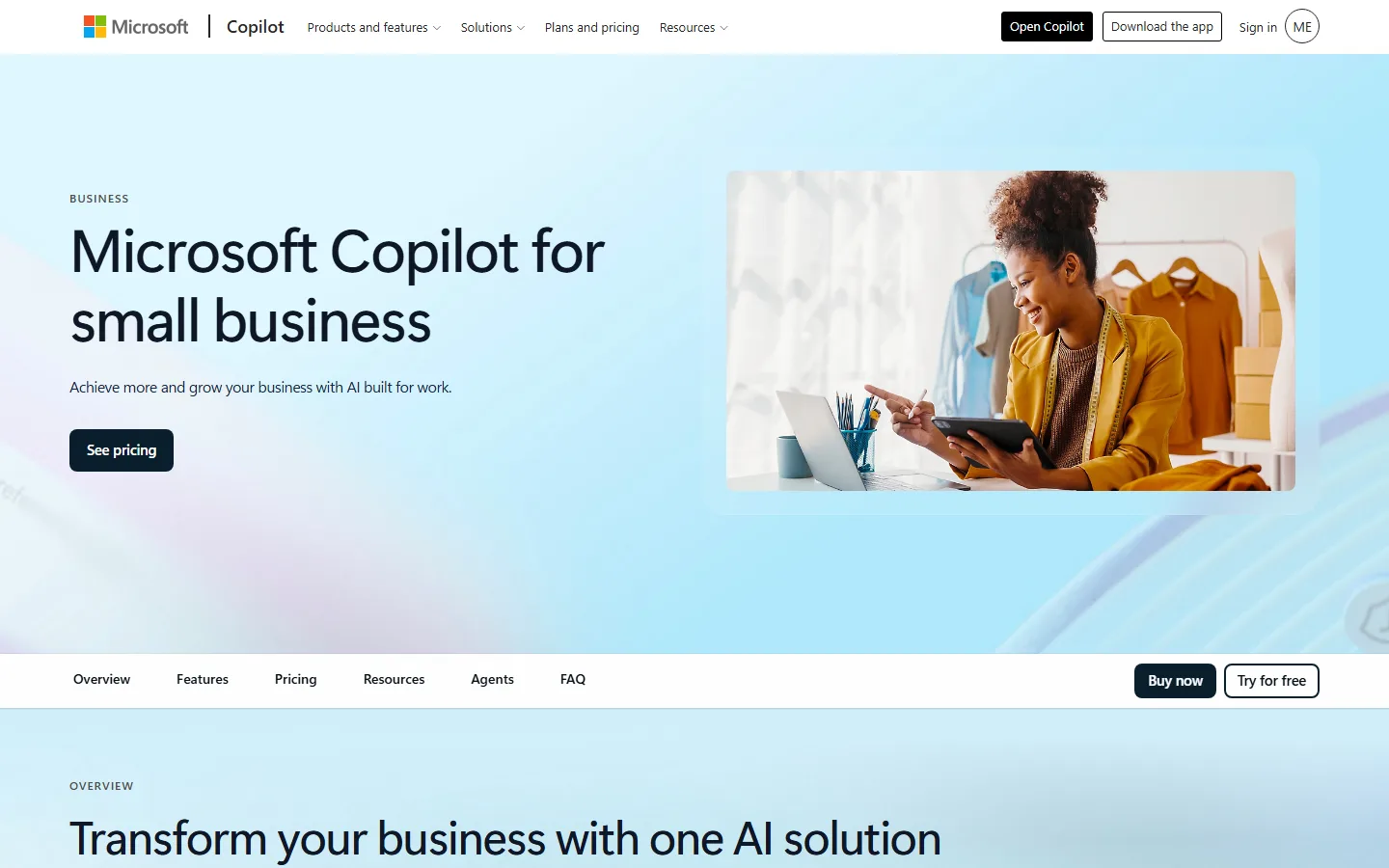
Microsoft 365 Copilot brings AI into the apps where most reports and presentations are already built. Microsoft describes Copilot in PowerPoint as turning ideas into presentations, Copilot in Word as writing, editing, and summarizing documents, and Copilot in Excel as analyzing and visualizing data.
Pros:
- Works inside PowerPoint, Word, Excel, Outlook, and Teams, so there is no new tool to adopt or file format to convert.
- AI chat grounded in your work data, so drafts can draw on documents your team already has.
- Available as an add-on to existing Microsoft 365 plans or bundled into Business Standard and Business Premium.
Cons:
- Annual subscription, with usage-based billing for select advanced AI features on top of the seat price.
- A general productivity assistant rather than a dedicated design tool, so brand templates and chart quality still depend on your own PowerPoint setup.
Pricing:
Copilot Business add-on USD 18 per user per month paid yearly (promotional, regular USD 21); Microsoft 365 Business Standard with Copilot USD 23.50 and Business Premium with Copilot USD 32 per user per month paid yearly. US pricing.
2. thinkcell
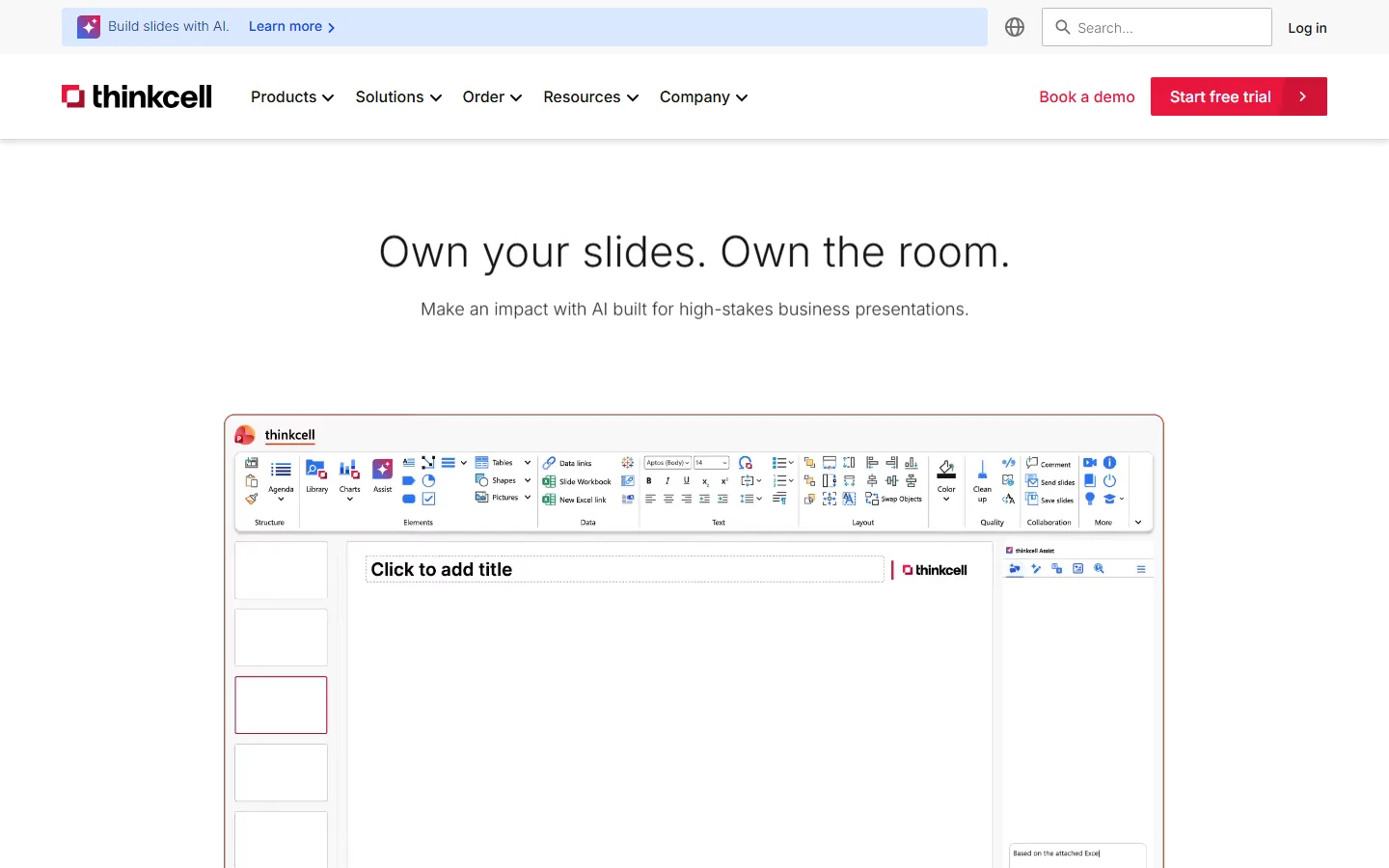
thinkcell is a PowerPoint and Excel add-in for building data-driven slides, with more than 40 chart types, including waterfalls, Gantt charts, and Mekko charts, linked to Excel data. Its AI Suite adds AI tools that thinkcell describes as purpose-built for business presentations.
Pros:
- Charts are data-linked to Excel, with smart annotations that update automatically when numbers change.
- The AI Suite adds slide building and editing via AI chat, AI-powered Excel data analysis and chart creation, and translation of entire decks into 70+ languages.
- Style files apply brand fonts and color schemes across a presentation, including multiple sub-brands.
Cons:
- AI features are only in the AI Suite tiers, which cost several times the Essentials plan.
- Licenses are annual, and AI usage volumes are capped, with a notice at 80% of your volume.
Pricing:
Essentials USD 8.90, Suite USD 28.60, AI Suite USD 46.54, and AI Suite Plus USD 97.60 per user per month, billed annually; free trial on Suite and AI tiers.
3. Gamma
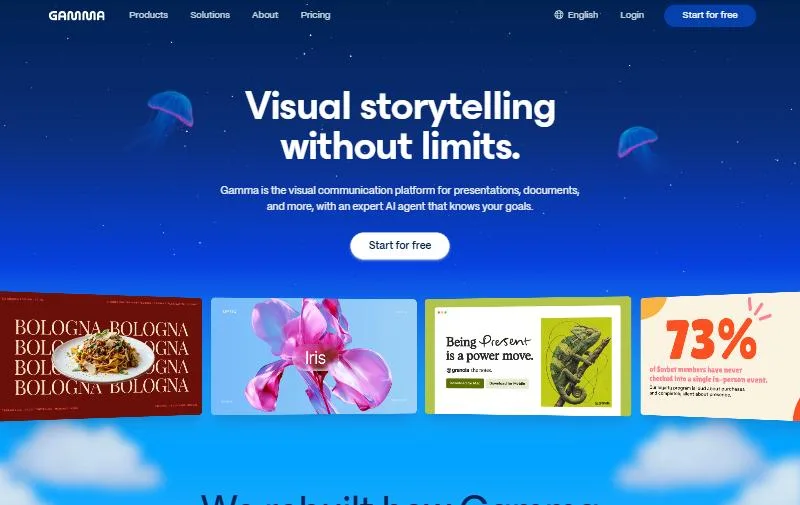
Gamma generates presentations, documents, websites, social posts, and images from a prompt or an imported file. It suits teams that need to turn a written brief or an existing document into a first draft quickly.
Pros:
- Imports PDF and PPTX files and exports to PDF, PPTX, PNG, and Google Slides.
- The Business plan includes SSO and advanced data controls, and Gamma states it is SOC 2 Type II compliant.
- A free plan with 400 credits at signup lets teams test it properly.
Cons:
- The free plan keeps Gamma branding and caps generation at 10 slides per prompt.
- Custom branding starts at the Pro plan, not Plus.
Pricing:
Free; Plus USD 9, Pro USD 18, and Ultra USD 90 per seat per month billed annually; Business USD 40 per seat per month billed annually; Enterprise custom.
4. Beautiful.ai
Beautiful.ai is a presentation tool built around Smart Slides, layouts with auto-design and auto-formatting features. It suits teams that need many people to produce decks that still look like they came from one company.
Pros:
- Unlimited AI content generation on every plan, with more than 300 Smart Slide layouts.
- PowerPoint import and export, plus locked slides, version control, live data linking to charts and tables, and a shared slide library on the Team plan.
- Enterprise adds SSO, SCIM provisioning, audit logs, and configurable brand guardrails.
Cons:
- No free plan, only a 14-day trial.
- The pricing page presents team pricing two ways (per user, and as a plan that includes 3 users), so confirm the cost at checkout.
Pricing:
Pro USD 14.50 per month billed annually; Team USD 40 per month billed annually or USD 50 billed monthly; single-project option USD 45; Enterprise custom.
5. Prezent
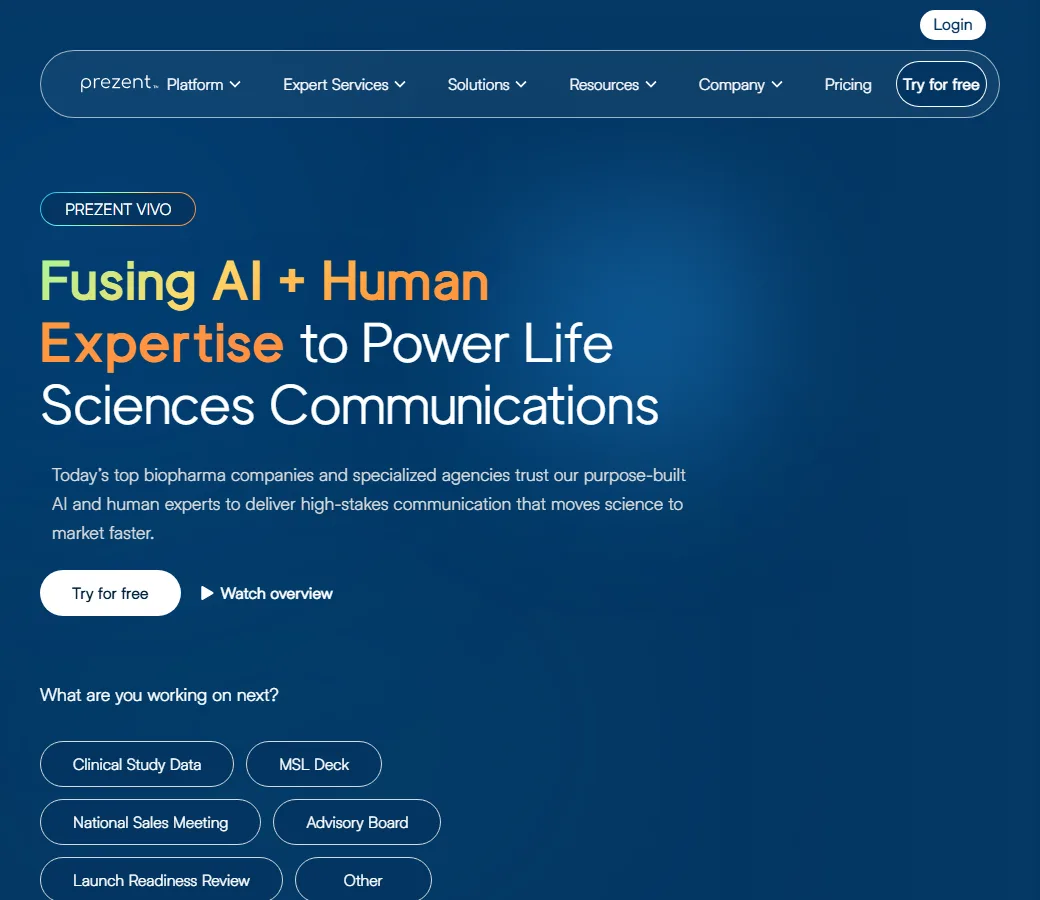
Prezent is an AI presentation platform aimed at enterprise teams, combining AI generation with brand templates, a library of expert-curated slides and storylines, and optional human design services. It generates decks inside your company’s brand templates and converts existing decks into them.
Pros:
- Template Converter moves existing decks into your brand template, on every plan.
- Enterprise plans add multi-format document-to-slide generation, charts, graphs and frameworks, citations and footnotes, and a branded visual library.
- Works with PowerPoint and Google Slides, with export to either.
Cons:
- Only the Lite plan has a published price; enterprise plans require a sales conversation.
- Lite is limited to 300 slide downloads a year, with no rollover, and one AI-generated brand template.
Pricing:
Lite USD 39 per user per month plus taxes, with 15% off on annual billing; Premium, Pro, and Custom enterprise plans on request.
6. Plus AI
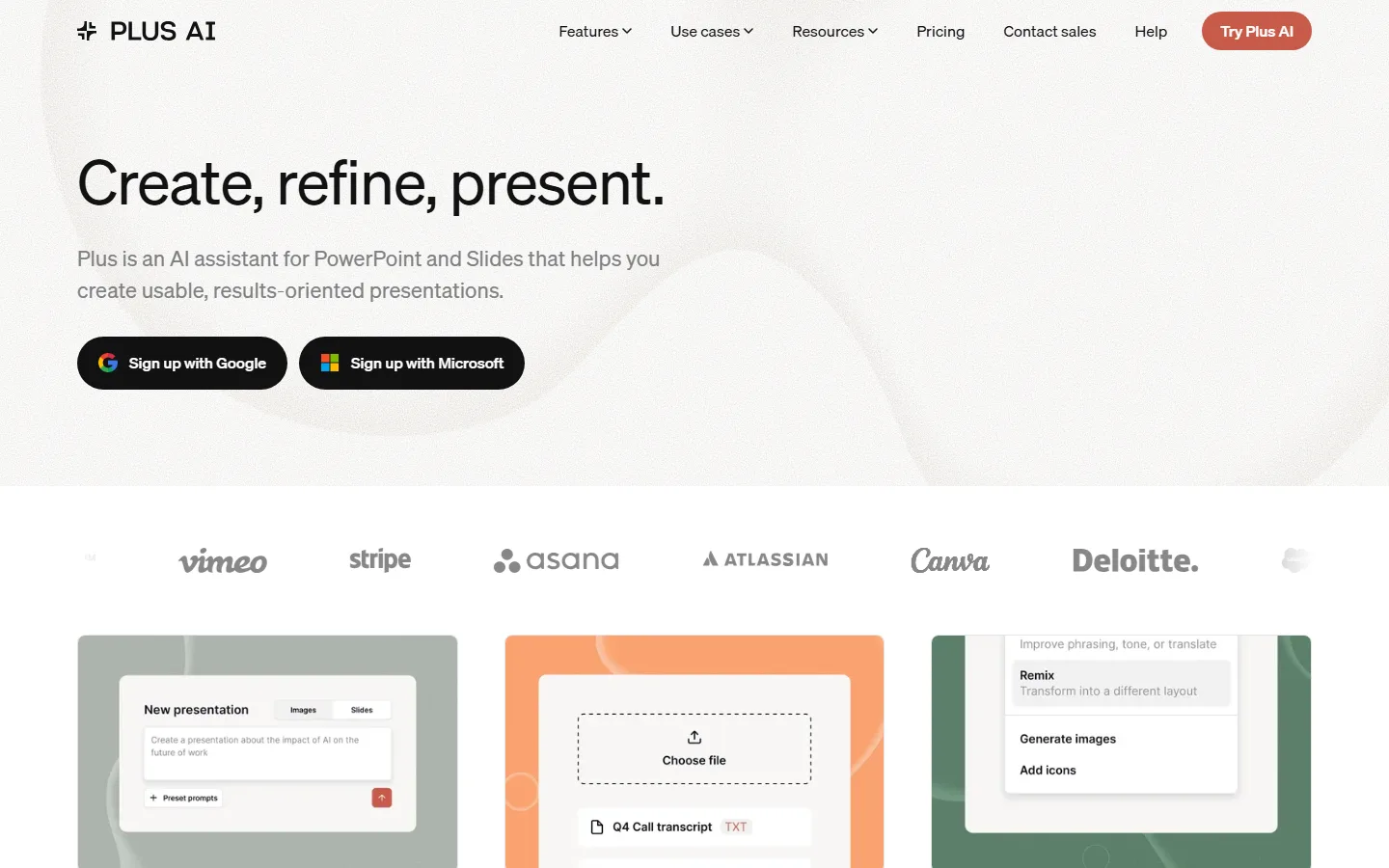
Plus AI creates and edits slides with AI inside PowerPoint and Google Slides, so teams keep working in the presentation software they already use instead of moving to a separate platform.
Pros:
- Supports both PowerPoint and Google Slides on every plan.
- Team plan adds team-wide custom branding and templates and a shared preset library; Enterprise builds custom templates from your slide masters and adds SSO.
- Plus AI states it is SOC 2 Type II compliant and encrypts sensitive data on your computer before it is sent to its servers.
Cons:
- No free plan, only a 7-day trial with 1,000 AI credits.
- Custom branding is not listed on the Basic and Pro plans.
Pricing:
Basic USD 10, Pro USD 20, Team USD 30, and Max USD 200 per user per month billed annually (USD 15, 25, 40, and 240 monthly); Enterprise on request.
7. Visme
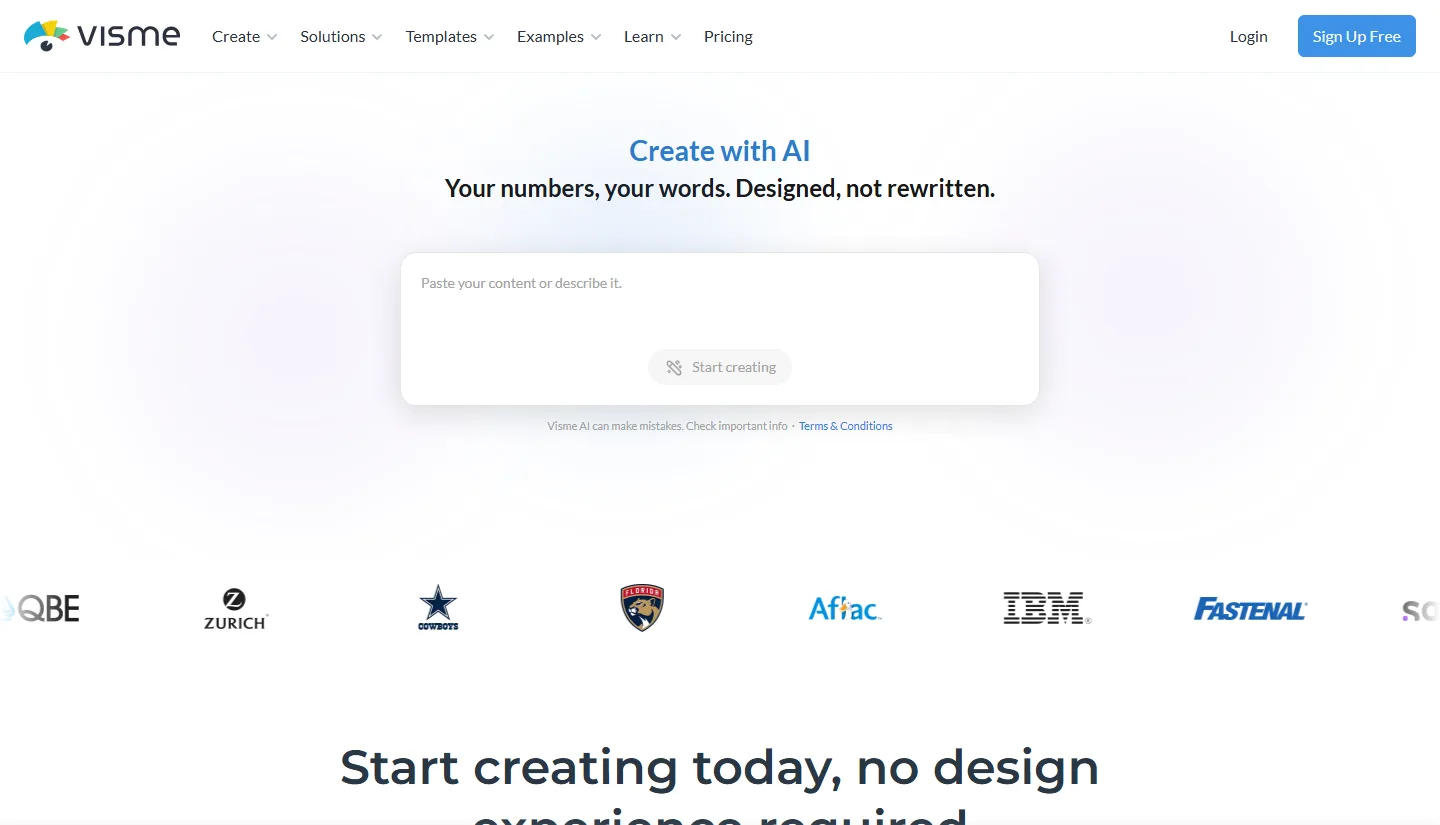
Visme is a content platform for business teams that covers presentations, reports, proposals, white papers, data visualizations, infographics, and more. Its AI turns a written description into an editable layout, and its Brand Wizard pulls brand fonts, colors, and logos from a website URL.
Pros:
- Covers data-heavy formats such as reports, data visualizations, and infographics.
- The Business plan includes a Brand Kit, analytics, and privacy controls.
- Enterprise adds SSO, two-factor authentication, and project approvals.
Cons:
- AI credits are tight on lower tiers: 10 per month on the free plan, 200 on Starter, and 500 on Business.
- Enterprise starts at 10 users.
Pricing:
Basic free; Starter USD 12.25 per month (USD 147 per year); Business USD 24.75 per month (USD 297 per year); Enterprise custom.
8. Napkin AI
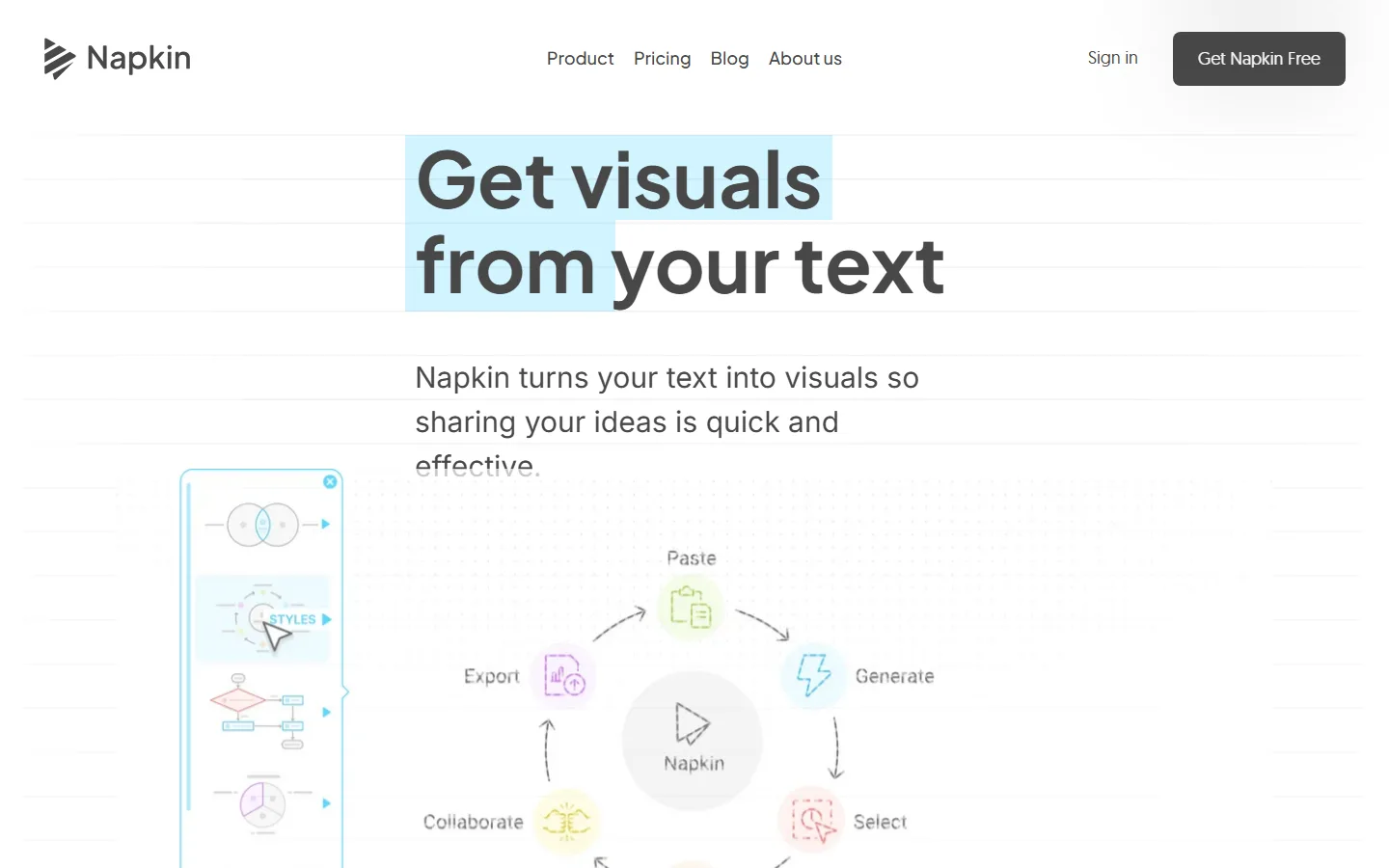
Napkin AI describes itself as a visual communication platform that turns ideas into visuals and presentations. You give it text and it generates visuals that fit the content, which makes it useful for reports and slides that need to explain rather than decorate.
Pros:
- Generous free plan with 500 AI credits per week and unlimited PNG and PDF exports.
- Paid plans add PPT and SVG export and custom branding: 3 brand styles on Plus, unlimited branding and your own fonts on Pro.
- Shared Teamspaces with real-time editing and comments.
Cons:
- Free plan visuals carry Napkin branding.
- Focused on diagrams and conceptual visuals, not full layouts or photography.
Pricing:
Free; Plus USD 9 and Pro USD 22 per person per month, with 25% off on annual billing; Enterprise on request.
9. Piktochart
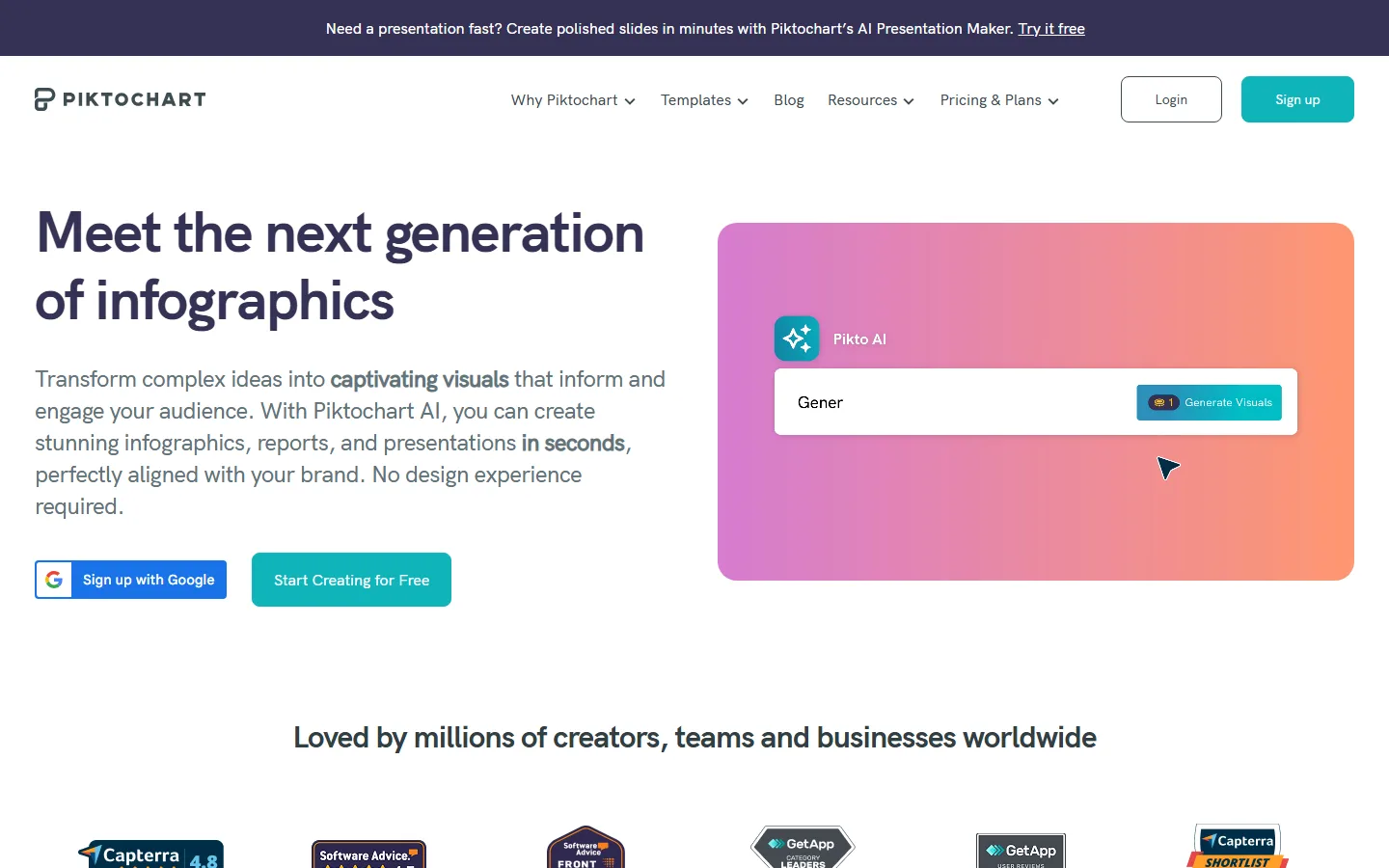
Piktochart is a visual design tool for infographics, presentations, and other business visuals, with an AI presentation maker and AI credits on every plan. Its charts and maps can be built from CSV files or linked to Google Sheets, which suits recurring report visuals.
Pros:
- Interactive charts and maps with CSV import and dynamic data from Google Sheets.
- The Business plan adds a full Brand Kit (color schemes, custom fonts, and logos), branded templates, and PDF and PowerPoint downloads.
- Enterprise adds SSO and SAML, workspace management controls, and a security review.
Cons:
- The free plan allows only 2 PNG downloads and 60 AI credits.
- PDF and PowerPoint downloads start at the Business plan, not Pro.
Pricing:
Free; Pro USD 10 and Business USD 17 per member per month billed annually (USD 15 and 20 monthly); Enterprise custom for 101+ members.
10. Canva
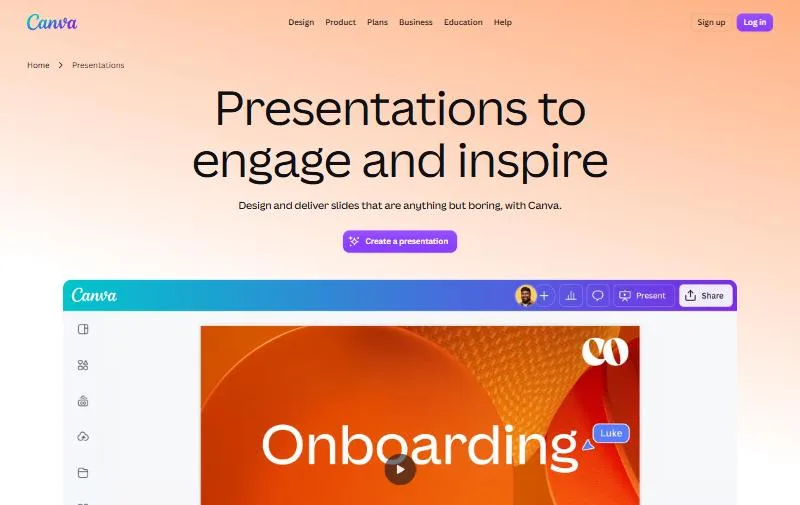
Canva is a browser-based design platform for presentations, documents, social graphics, and marketing materials, and its pricing page states that more than 6 million teams use it. Its AI tools, including Magic Design, generate and edit designs from a prompt, and Canva Business includes Flourish for data visualization.
Pros:
- Free plan for anyone, plus free trials of both Pro and Business.
- Canva Business adds enhanced brand management and more AI access than Pro, and includes access to Flourish.
- An AI Pass add-on is available on Pro and Business for teams that use AI heavily.
Cons:
- AI features draw on a shared allowance, and advanced AI tools use it up faster than simple ones.
- Prices are shown in local currency and vary by country, which makes budgeting across regions harder.
Pricing:
Free; Pro priced per person per year; Business priced per person per year; Enterprise on request; optional AI Pass add-on. Prices vary by country.
How to choose the best AI design tool for your business
The best AI design tool for a business is the one that matches what your team actually produces and how it governs brand and content. Seven questions narrow the list quickly.
1. Start with what you produce most
Decks built in PowerPoint point to Microsoft 365 Copilot, thinkcell, or Plus AI. First drafts from a brief point to Gamma, Beautiful.ai, or Prezent. Report graphics, infographics, and diagrams point to Visme, Piktochart, or Napkin AI. Choosing by output type removes most of the list.
2. Check brand controls, not just brand kits
Most tools let you save colors and fonts. Fewer let you lock templates or enforce guardrails, which is what keeps 50 contributors on brand. Look for template locking, locked slides, or brand guardrails, and check which plan includes them.
3. Check how client and company data is handled
Reports and decks often contain confidential numbers. Check each vendor’s security documentation before anyone uploads client material: Gamma, Beautiful.ai, and Plus AI state SOC 2 Type II compliance, and Plus AI says it encrypts sensitive data on your computer before it reaches its servers. For AI-generated images inside reports, our guide to AI visual prompting for business covers how to get usable outputs.
4. Do the math on AI credits
Nearly every tool now meters AI through credits or allowances, and advanced features such as video use them faster. Estimate how much your team will generate per month and compare it with the credits on each plan, not just the seat price.
5. Confirm export to the formats you deliver in
If clients or executives expect PowerPoint, check that the tool produces editable PPTX, not just PDF or images. Microsoft 365 Copilot, thinkcell, and Plus AI work inside PowerPoint itself, while Gamma, Beautiful.ai, Prezent, Piktochart Business, and the paid Napkin AI plans export to it.
6. Involve IT early on security and access
SSO, user provisioning, and audit logs usually sit on Business or Enterprise plans. If your company requires them, compare tools at that tier, because the entry price will not be the price you pay.
7. Keep charts linked to the data
Charts pasted as images go stale the moment the numbers change. For recurring reports, prefer tools that link charts to their source: thinkcell links to Excel, Piktochart can pull dynamic data from Google Sheets, and Beautiful.ai’s Team plan offers live data linking to charts and tables. For interactive dashboards rather than slides, see our Power BI vs. Tableau comparison.
AI design tools speed up the first draft. Turning information into a presentation or report that persuades its audience is still editorial work. Infomineo helps you reach diverse audiences through tailored content, expert translation, and compelling visual design. Our Business Communication capabilities include content writing for white papers, marketing materials, reports, and presentations, and graphic design from basic formatting to creative, high-impact presentations.
Talk to our business communication team →
Frequently Asked Questions
What is the best AI design tool for business?
It depends on what you produce. For PowerPoint work, Microsoft 365 Copilot, thinkcell, and Plus AI add AI inside the tool your team already uses. For first-draft decks, Gamma, Beautiful.ai, and Prezent generate presentations from a prompt or document. For report graphics and infographics, Visme, Piktochart, and Napkin AI are the closest fits, and Canva suits wider teams producing many kinds of content.
Is there a ChatGPT for design?
Several tools work in a similar way, turning a written prompt into a design. Gamma and Prezent do this for presentations and documents, Copilot and Plus AI do it inside PowerPoint, Napkin AI does it for diagrams, and Canva’s Magic Design does it for general designs. The main difference from a chatbot is that the result is an editable design rather than a block of text.
Are AI design tools free?
Some do. Gamma, Visme, Napkin AI, Piktochart, and Canva offer free plans, while Microsoft 365 Copilot, thinkcell, Beautiful.ai, Prezent, and Plus AI offer free trials instead. Free plans usually limit AI credits, downloads, or export formats, or add the vendor’s branding, so check those limits before using free outputs for client work.
Is it safe to put client data into AI presentation tools?
It depends on the tool and the plan. Several vendors publish security certifications, such as SOC 2 Type II for Gamma, Beautiful.ai, and Plus AI, and enterprise plans typically add SSO and admin controls. Check your company’s data policy and the vendor’s security documentation before uploading confidential material, and prefer tools that work inside software you have already approved, such as Microsoft 365.
Will AI design tools replace designers?
They change what designers spend time on more than they replace them. AI tools produce first drafts and variations quickly, but brand judgment, storytelling, and final quality control still need people, especially for client-facing and high-stakes material.
BUSINESS COMMUNICATION
Next-Gen Insights for Competitive Advantage
We help you reach diverse audiences through tailored content, expert translation, and compelling visual design, including graphic design from basic formatting to creative, high-impact presentations. Top-tier strategy consulting firms and Fortune 500 companies partner with us for market intelligence, competitive analysis, and data-driven decision support, backed by 15 years of experience and 500,000+ client requests successfully completed.
