

10 Proven Data Entry Tools to Boost Efficiency

Table of Contents
In today’s data-driven economy, efficiency and accuracy in data entry are no longer back-office concerns—they are mission-critical capabilities. For strategy consultants, public institutions, and global enterprises, every decision relies on the speed and quality of structured information.
As we enter 2025, organizations across industries—from management consulting and government agencies to financial services and life sciences—are rethinking how they handle repetitive tasks and unstructured inputs. By adopting modern data entry tools and software, they reduce manual workloads, improve compliance, and empower teams to focus on higher-value insights.
This article explores the 10 proven data entry tools and software solutions that boost efficiency, safeguard compliance, and scale across industries. Each platform is designed to help organizations minimize errors, integrate with existing systems, and maximize return on their data investments.
What is Data Entry Software?
Data entry software streamlines the capture, validation, and routing of information from forms, files, and systems into structured databases and dashboards. Modern platforms combine forms & APIs, OCR/ICR for documents, RPA for repetitive tasks, AI for classification, and workflow automation—reducing errors and cycle times across consulting, public sector, energy, industrials, retail, TMT, finance, and life sciences.
Reduce Manual Entry
Automate repetitive keystrokes with forms, RPA, and templates to cut cycle times.
Improve Data Quality
Use validation rules, lookups, and AI-assisted parsing to reduce errors at source.
Strengthen Compliance
Audit trails, permissions, and PII handling aligned with public sector and FS needs.
Scale & Integrate
Connect CRMs, ERPs, and data warehouses to standardize intake across functions.
Top 10 Data Entry Tools & Software in 2025
1. UiPath

UiPath is an enterprise-grade Robotic Process Automation (RPA) platform that automates repetitive data entry across web apps, legacy systems, and PDFs. With AI/Document Understanding, it extracts, validates, and posts data at scale—ideal for consulting programs, shared services, and public sector back-office modernization.
Pros:
- Powerful bots for desktop, web, and legacy UIs
- AI document processing with human-in-the-loop
- Governance and audit trails suited to regulated sectors
Cons:
- Requires RPA expertise and change management
- Enterprise pricing can be significant at scale
Pricing:
Tiered/enterprise pricing; trials available.
2. Automation Anywhere
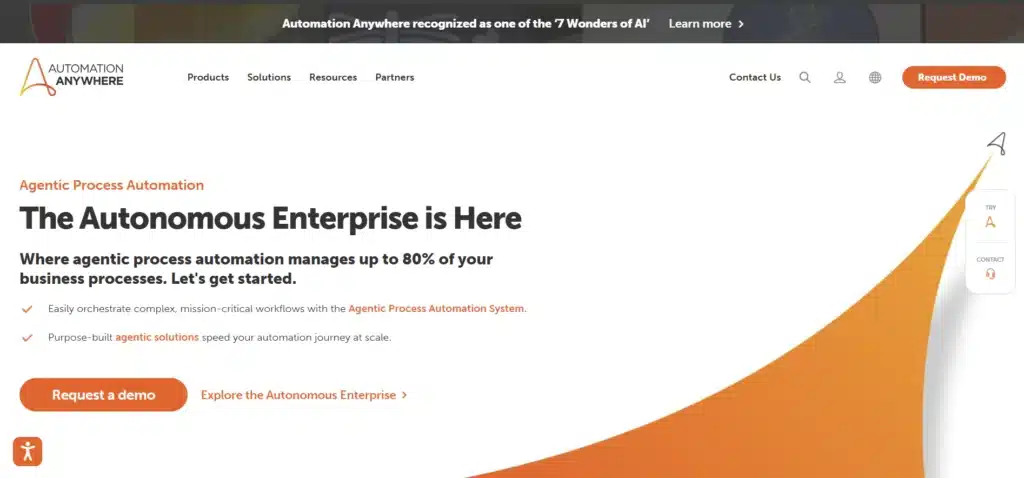
Automation Anywhere delivers cloud-native RPA for automating structured and semi-structured data entry. Strong in financial services, public sector, and shared service centers, it offers bot lifecycle management, analytics, and secure credential handling.
Pros:
- Cloud-first architecture and rapid deployment
- Built-in analytics and bot governance
- Good fit for finance and operations use cases
Cons:
- Complex processes may need advanced design skills
- Cost scales with bot volume and usage
Pricing:
Custom/enterprise pricing; free trials available.
3. Blue Prism
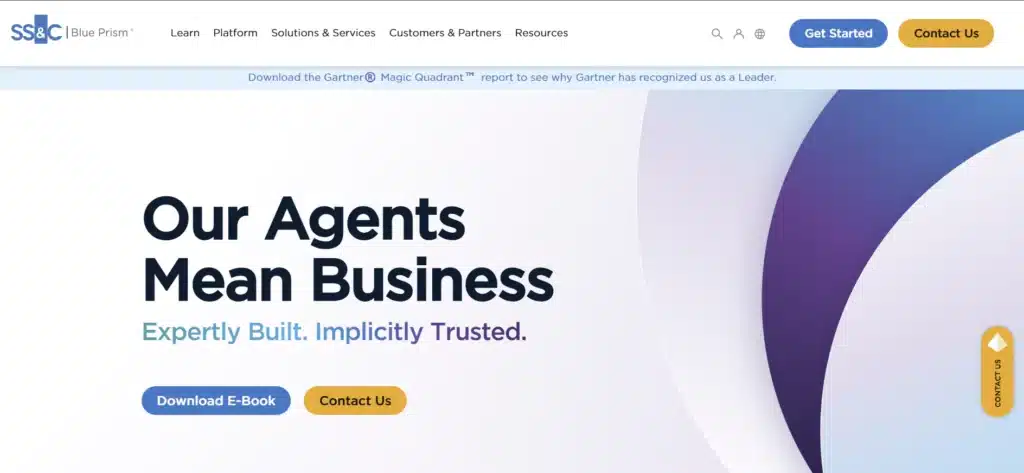
Blue Prism focuses on secure, highly governed RPA for large enterprises and public institutions. It’s well-suited for complex, multi-system data entry where auditability, role-based access, and scalability are critical.
Pros:
- Strong governance & security posture
- Enterprise-grade scalability and reliability
- Good for legacy + modern hybrid environments
Cons:
- Steeper learning curve vs. low-code options
- Typically higher total cost of ownership
Pricing:
Enterprise licensing; contact sales.

4. Microsoft Power Automate
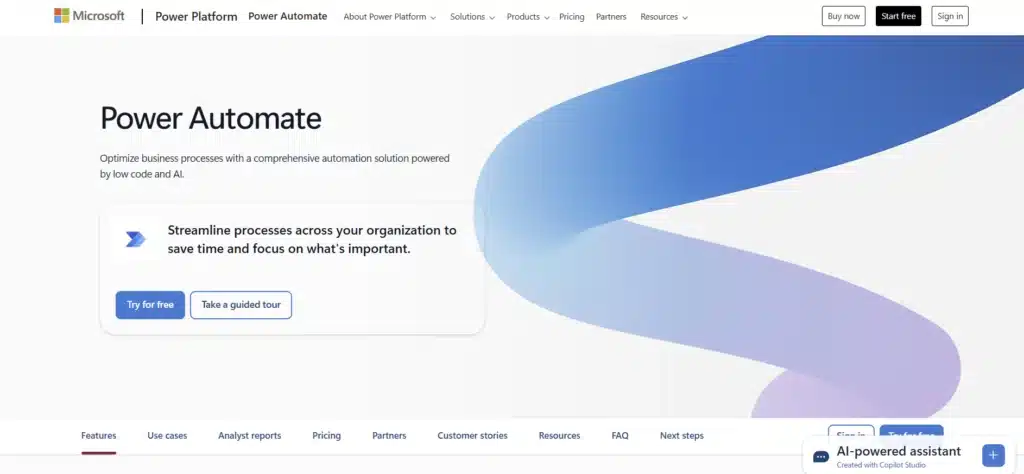
Power Automate connects Microsoft Forms, SharePoint, Excel, Dataverse, and third-party apps to automate intake and posting of data. Excellent fit for consulting teams and government units standardized on Microsoft 365.
Pros:
- Tight O365 integration and connectors
- Low-code templates for rapid wins
- On-prem data gateway support
Cons:
- Complex logic can get unwieldy without standards
- Throughput limits on lower tiers
Pricing:
Per-user/per-flow plans; included capabilities in some M365 licenses.
5. Kofax (TotalAgility & Capture)

Kofax combines intelligent capture (OCR/ICR), classification, and workflow to convert paper and PDFs into structured data. Common in finance, government, and energy for invoice entry, case files, and citizen services processing.
Pros:
- Robust document capture & classification
- Workflow and rules engine for validation
- Good on-prem and hybrid options
Cons:
- Implementation/maintenance needs specialist skills
- Licensing can be complex in large estates
Pricing:
Enterprise licensing; modules priced separately.
6. ABBYY FlexiCapture / Vantage
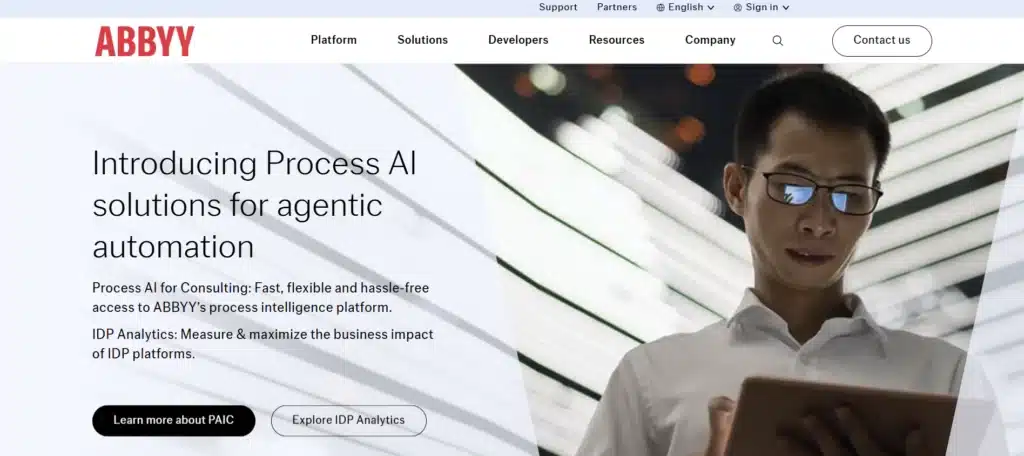
ABBYY provides AI-powered OCR and document skills to extract fields from invoices, contracts, forms, and lab reports. It integrates with RPA and workflow tools to automate high-volume data entry in finance, life sciences, and public sector.
Pros:
- Market-leading OCR accuracy
- Prebuilt document “skills” and templates
- Human validation station for quality control
Cons:
- Template design/training required for best results
- Enterprise features priced for scale
Pricing:
Custom/usage-based; partner-delivered deployments common.
7. Formstack (Forms, Docs & Workflows)
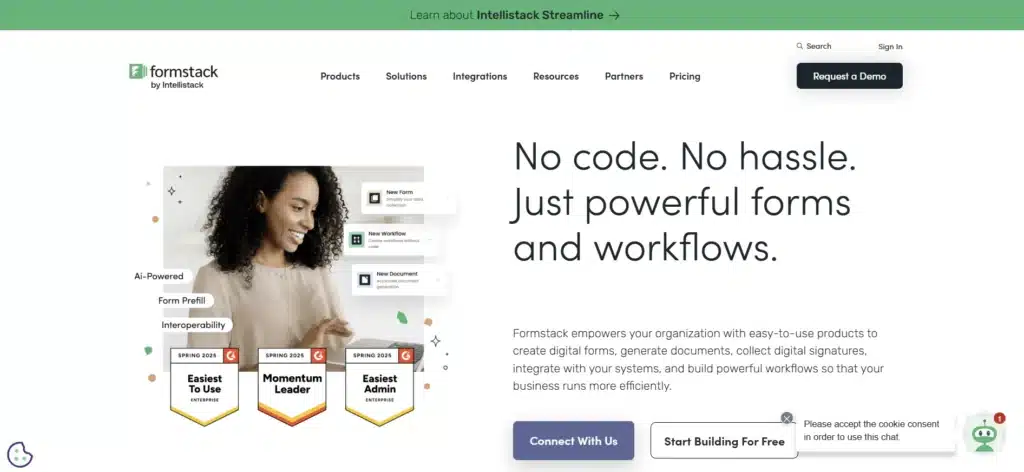
Formstack offers secure forms, document generation, and no-code workflows. It’s widely used in healthcare, financial services, government, and education for compliant data capture with e-sign and approvals.
Pros:
- HIPAA-ready plans and strong security options
- Docs merge + e-sign for straight-through processing
- Integrations with CRMs and productivity suites
Cons:
- Advanced features gated to higher tiers
- Complex workflows may need admin expertise
Pricing:
Tiered plans; HIPAA/enterprise add-ons available.
8. Zoho Forms + Zoho Creator
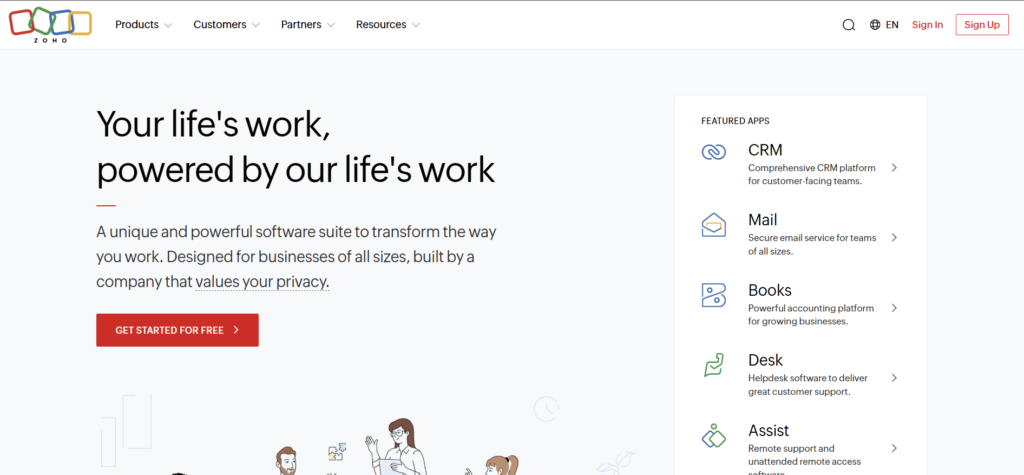
Zoho Forms captures structured inputs, while Zoho Creator builds low-code apps and approval workflows. Great for consulting teams, retail projects, and business support functions that need fast, customizable data-entry apps without heavy IT lift.
Pros:
- Low-code speed and flexible data models
- Good value for SMB to mid-market teams
- Broad Zoho ecosystem (CRM, Analytics, Desk)
Cons:
- Complex enterprise integrations may need middleware
- Compliance features vary by plan/region
Pricing:
Affordable tiered plans; Creator licensed separately.
9. Typeform Enterprise
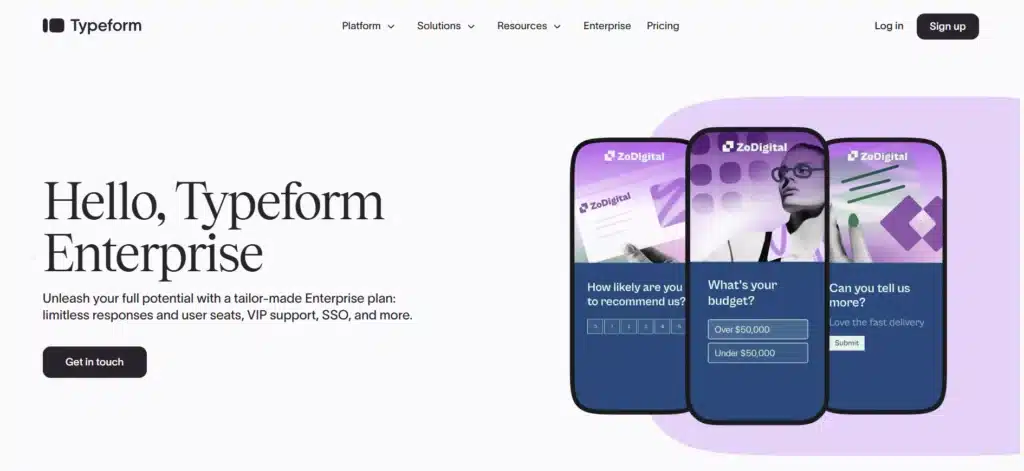
Typeform Enterprise provides conversational forms that increase completion rates for surveys, onboarding, and client data intake. Useful for consultants gathering structured inputs from stakeholders with a polished UX.
Pros:
- High engagement and clean UX
- Branching logic for tailored data capture
- Integrations with CRMs and data tools
Cons:
- Not a full workflow engine by itself
- Advanced compliance features require Enterprise
Pricing:
Enterprise/custom; business plans available.
10. Alteryx Designer
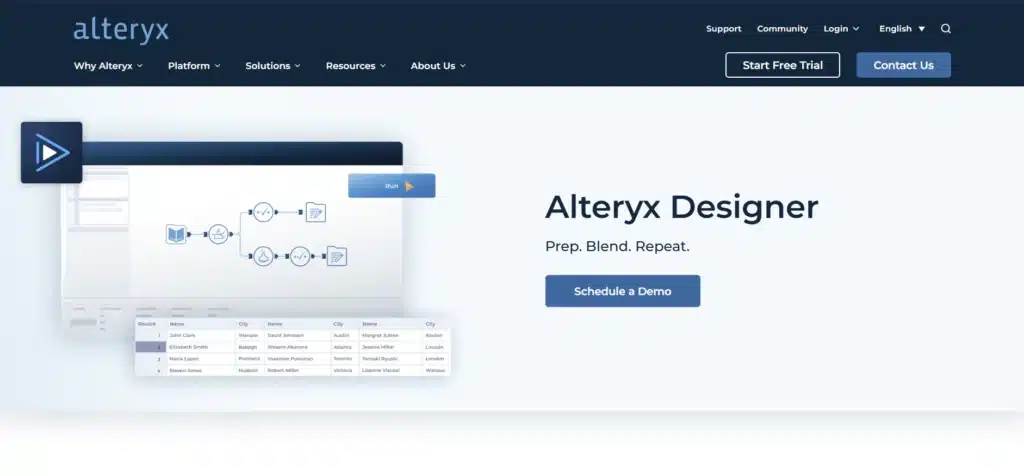
Alteryx Designer is a no-code/low-code data prep and automation tool that standardizes incoming datasets, validates fields, and pushes cleansed data into databases and dashboards—reducing manual entry and rework for analytics teams in consulting, TMT, retail, and FS.
Pros:
- Fast drag-and-drop data pipelines
- Strong validation, joins, dedupe & enrichment
- Automates handoffs to BI/warehouses
Cons:
- Primarily focused on preparation vs. front-end forms
- License cost may be high for small teams
Pricing:
Commercial licensing; trials available.
How to Choose the Best Data Entry (DE) Software
Use Case & Role Alignment
Map tools to your primary workflows: invoice intake (FSI), patient/lab forms (Life Sciences), tender portals (Public Sector), claims & HR (Business Support), or site logs (Energy/Industrial). Favor platforms with proven templates for those cases.
Input Types & Volume
Match capability to your data mix: structured forms, semi-structured PDFs, scans, emails, portals, or legacy UIs. High volumes or low-quality scans point to OCR/ICR + RPA (e.g., ABBYY, Kofax, UiPath).
Accuracy, QA & Compliance
Insist on human-in-the-loop validation, audit trails, and role-based access. Verify support for ISO-aligned controls, GDPR/PII handling, and retention policies—critical for governments, FSI, and healthcare.
Automation & AI Depth
Look for OCR/ICR, document classification, field extraction, dedupe, validation rules, and RPA for system posting. Prebuilt “skills” and ML models shorten time-to-value for invoices, IDs, contracts, and lab reports.
Integration & Architecture
Prioritize connectors to ERP/CRM/EHR, secure APIs, on-prem/hybrid options, and identity (SSO, SCIM). For Microsoft shops, Power Automate + Forms/Dataverse is often the fastest path.
TCO, Licensing & Scale
Estimate total cost (licenses + bots + OCR usage + support). Pilot with a representative sample and measure throughput, accuracy uplift, exception rates, and payback period.
Discover the ultimate list of AI tools every consultant needs. Learn how these tools can boost productivity, insights, and efficiency in your projects.
Read Full ArticleFrequently Asked Questions (FAQ)
What is Data Entry software?
Tools that capture, extract, validate, and post data into systems—via forms, OCR/ICR for documents, and RPA for UI/system automation. Modern platforms add AI for classification and error reduction.
Who benefits most?
Consulting (client intake, research ops), Business Support (HR, Finance, Legal), Public Sector (tenders, permits), Energy & Industrial (work orders), Retail & CPG (PIM, invoices), TMT (subscriber ops), Travel & Transport (manifests), FSI (KYC, claims), Life Sciences (lab forms, clinical docs).
Can DE software replace manual work entirely?
For high-volume, standardized inputs—often yes. For ambiguous or regulated content, keep human-in-the-loop for validation, exception handling, and continuous improvement.
What about compliance and security?
Choose vendors supporting encryption, audit logs, role-based access, data residency options, and GDPR/PII controls. For government/FSI/healthcare projects, favor enterprise RPA/OCR stacks and ISO-aligned practices.
OCR vs. RPA vs. Forms—what’s the difference?
OCR/ICR extracts data from images/PDFs; RPA posts data into applications and orchestrates workflows; Forms capture structured inputs at the source. Most programs blend all three.
How do we measure ROI?
Track baseline vs. post-deployment on throughput (items/hour), accuracy (% errors), exception rate, cycle time, FTE hours saved, and time-to-cash. Pilot with 4–6 weeks of representative volume before scaling.
Final Thoughts
Data entry is no longer clerical—it’s an efficiency and compliance lever. By pairing the right mix of forms, OCR/ICR, and RPA, organizations can reduce manual workload, shorten cycle times, and raise data quality across functions.
For consulting-class operations in regulated environments, enterprise-grade platforms (UiPath, Automation Anywhere, Blue Prism, Kofax, ABBYY) deliver governance and auditability. For fast intake and collaboration, Power Automate, Formstack, Zoho, and Typeform streamline structured capture.
Choose a solution aligned with your use cases, volume, compliance needs, and IT stack—and validate impact through a focused pilot. With a rigorous approach, DE tools become a strategic multiplier for accuracy, speed, and scalability.
